Home / Electronics & computing / Computer mice
THE BETTER THINGS SHORTLIST

Best computer mice

Five options to compare, with the good points and drawbacks of each.

By Better Things Guide · Product research: October 5, 2026 · Writing updated October 27, 2026

Research-based reviews

A mouse can be excellent on paper and awkward in your hand. Start with size, grip and the kind of movement you do all day, whether that's spreadsheets or fast games. Useful scrolling and comfortable reach matter more than having buttons you'll never touch.

Affiliate disclosure: we may earn a commission from qualifying purchases through the Amazon links below. Read the disclosure.

01

Ergonomic electromagnetic scroll productivity
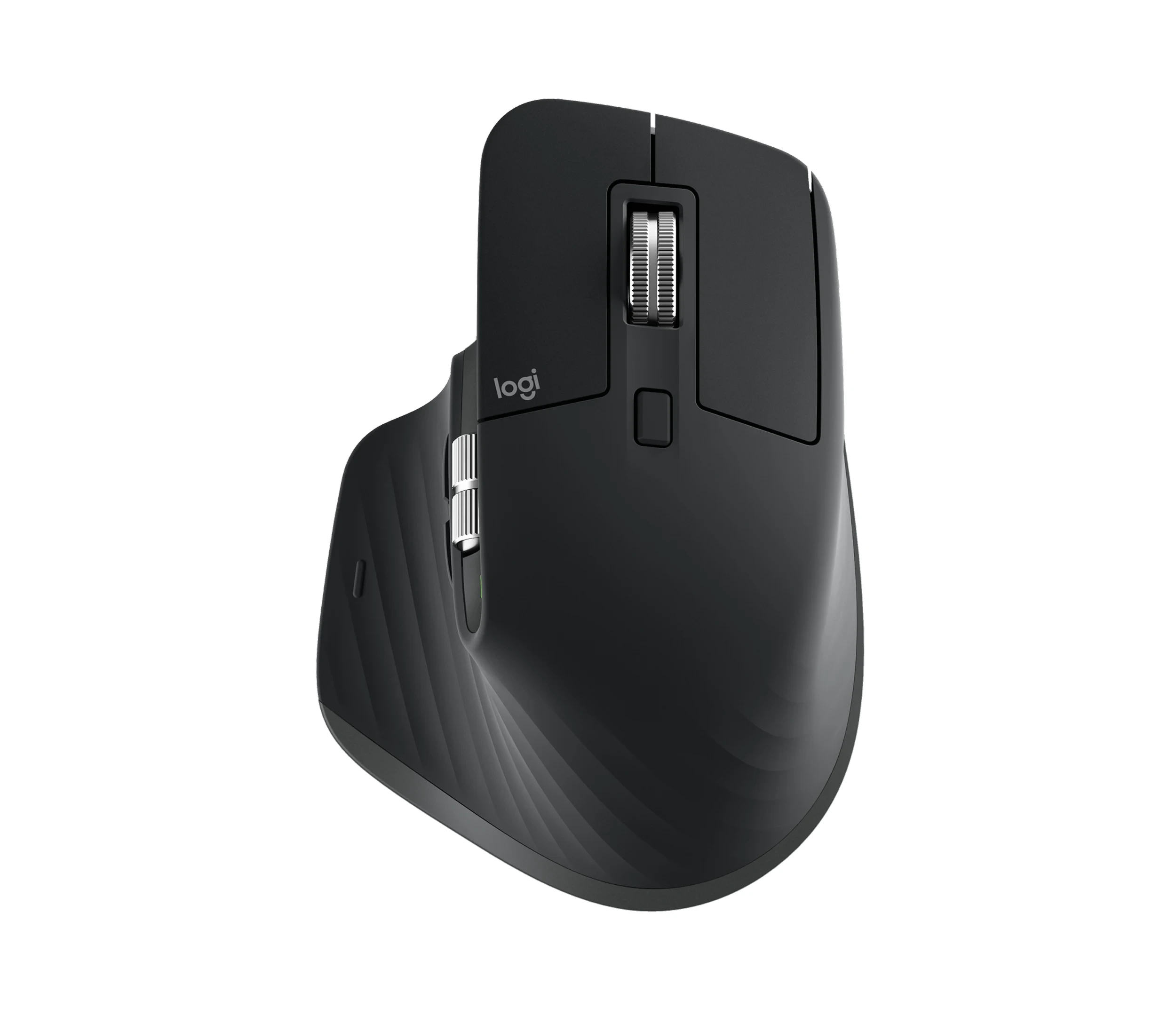
Logitech MX Master 3S product photograph

Logitech MX Master 3S — Best for Ergonomic electromagnetic scroll productivity

Wireless; thumb wheel; quiet clicks

The MX Master 3S is built around the kind of small conveniences that add up during office work. Horizontal scrolling, a fast main wheel and programmable controls can be useful across documents and spreadsheets. We'd compare the shape carefully, since its substantial right-handed body isn't a comfortable match for every hand.

Why we chose it: First for office controls and scrolling versatility.

Keep in mind: Its substantial right-handed shape is unsuitable for every hand.
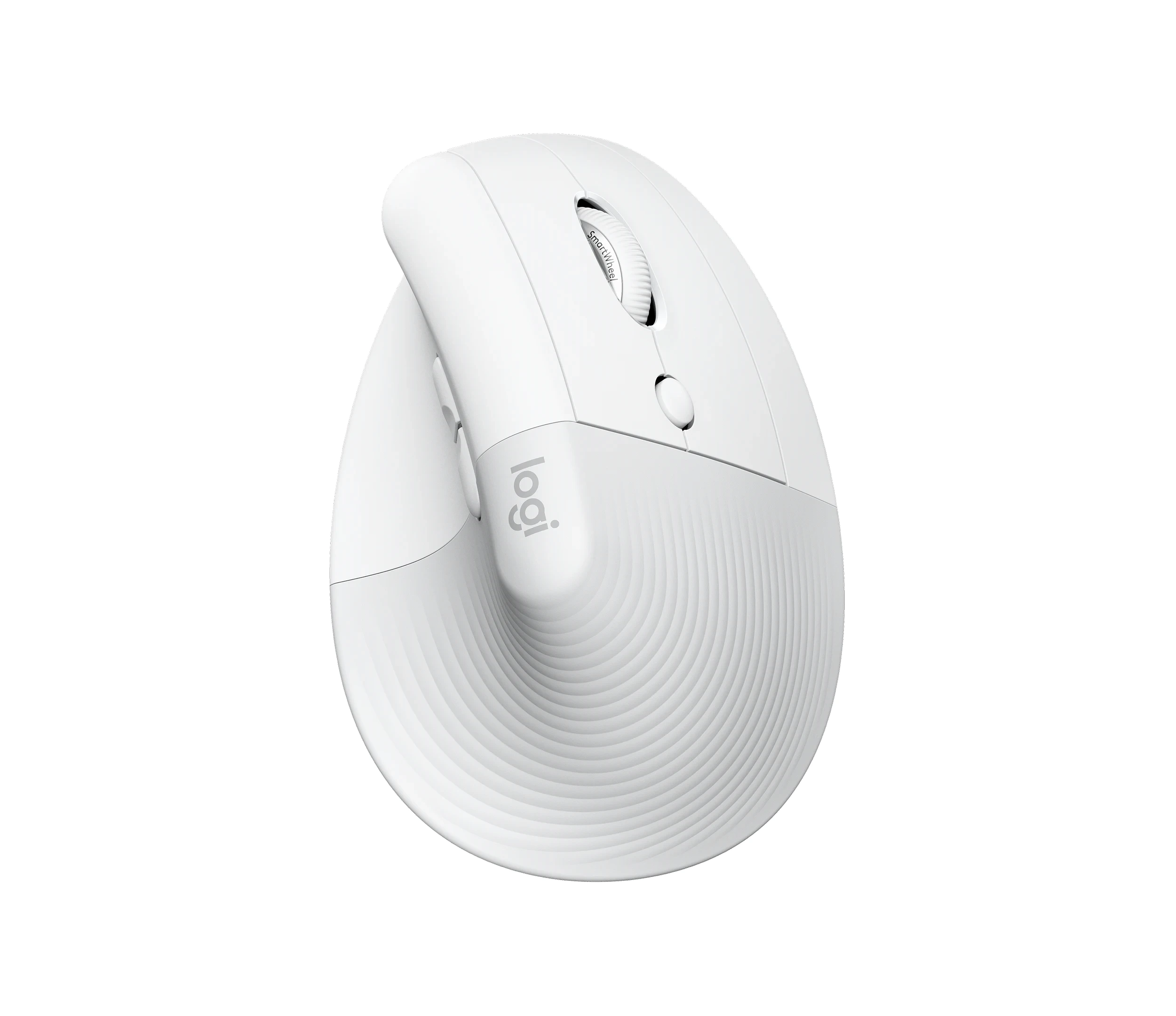
02

Small-to-medium hand vertical ergonomic grip

Logitech Lift product photograph

Logitech Lift — Best for Small-to-medium hand vertical ergonomic grip

Wireless; vertical body

The Lift is worth trying if larger office mice feel bulky and you'd like to explore an upright grip. Its smaller shape and quiet controls make sense in a shared workspace. Give the change time, but don't treat a vertical mouse as a guaranteed fix for discomfort; the fit still has to work for you.

Why we chose it: Second for a distinct fit option.

Keep in mind: Vertical mice take practice and do not guarantee pain relief.

03

Ultra-lightweight competitive gaming

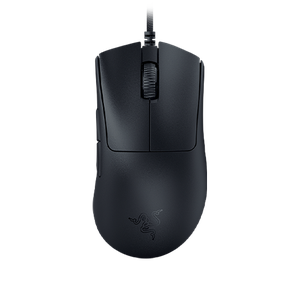
Razer DeathAdder V3 product photograph

Razer DeathAdder V3 — Best for Ultra-lightweight competitive gaming

Lightweight; high polling support

The DeathAdder V3 concentrates on quick movement and consistent wired gaming performance rather than office extras. Its right-handed shape gives a generous grip area without a heavy shell, which may be the combination you're after. We'd choose it for that role, accepting the cable and simpler wheel for everyday computer switching.

Why we chose it: Third as the focused gaming choice.

Keep in mind: Its cable and basic wheel are less convenient for office switching.

04

Multi-computer multi-device work switching

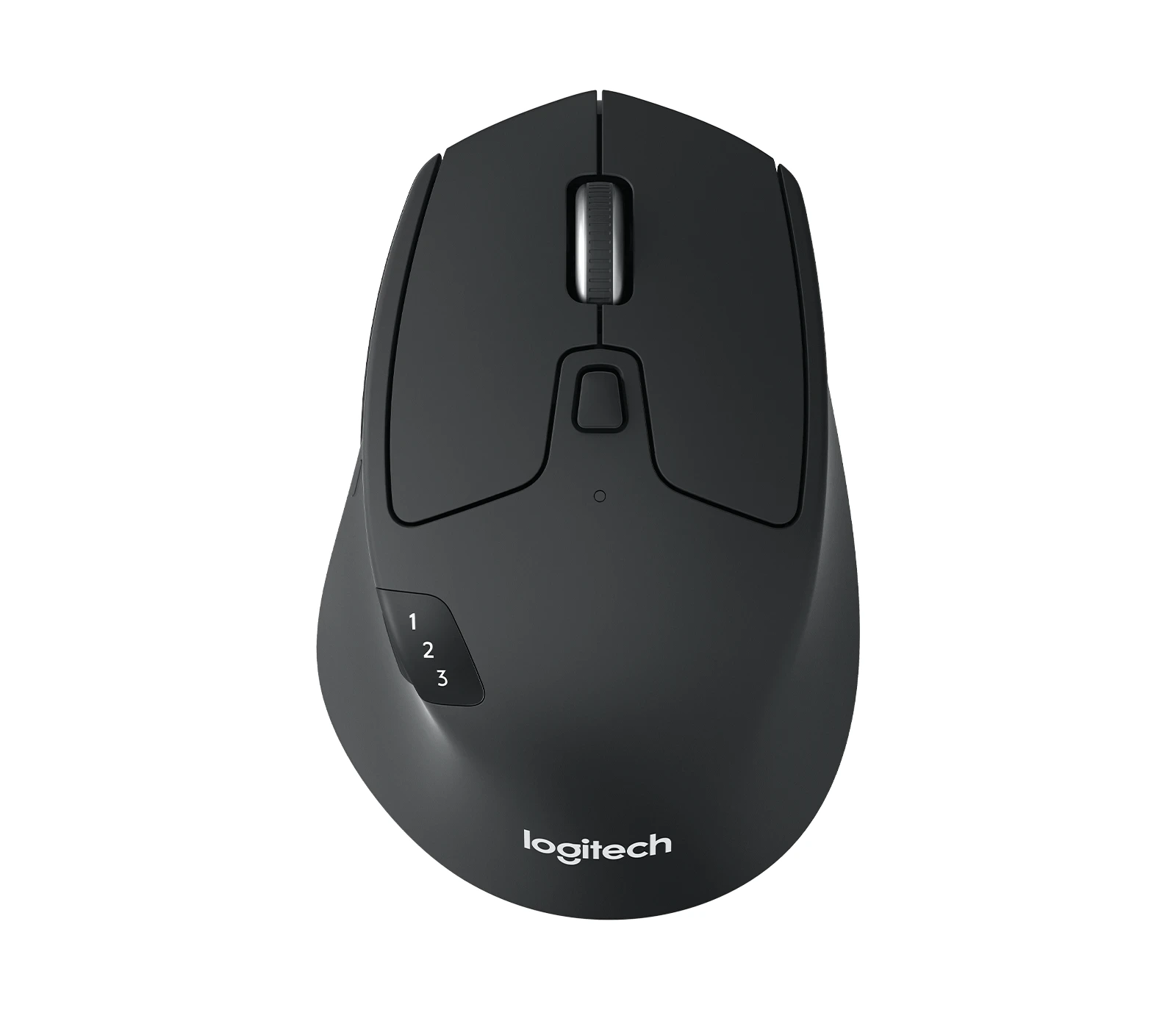
Logitech M720 Triathlon product photograph

Logitech M720 Triathlon — Best for Multi-computer multi-device work switching

Three-device switching; AA power

The M720 brings practical office features together, including a free-scrolling wheel and straightforward changes between devices. AA power will appeal if you'd rather replace a battery than remember another charging cable. It isn't as polished or quiet as the MX Master 3S, but those may be reasonable things to trade away.

Why we chose it: Fourth for practical device switching.

Keep in mind: It lacks the premium feel and quiet clicks of the 3S.

05

Reliable budget lag-free wireless gaming

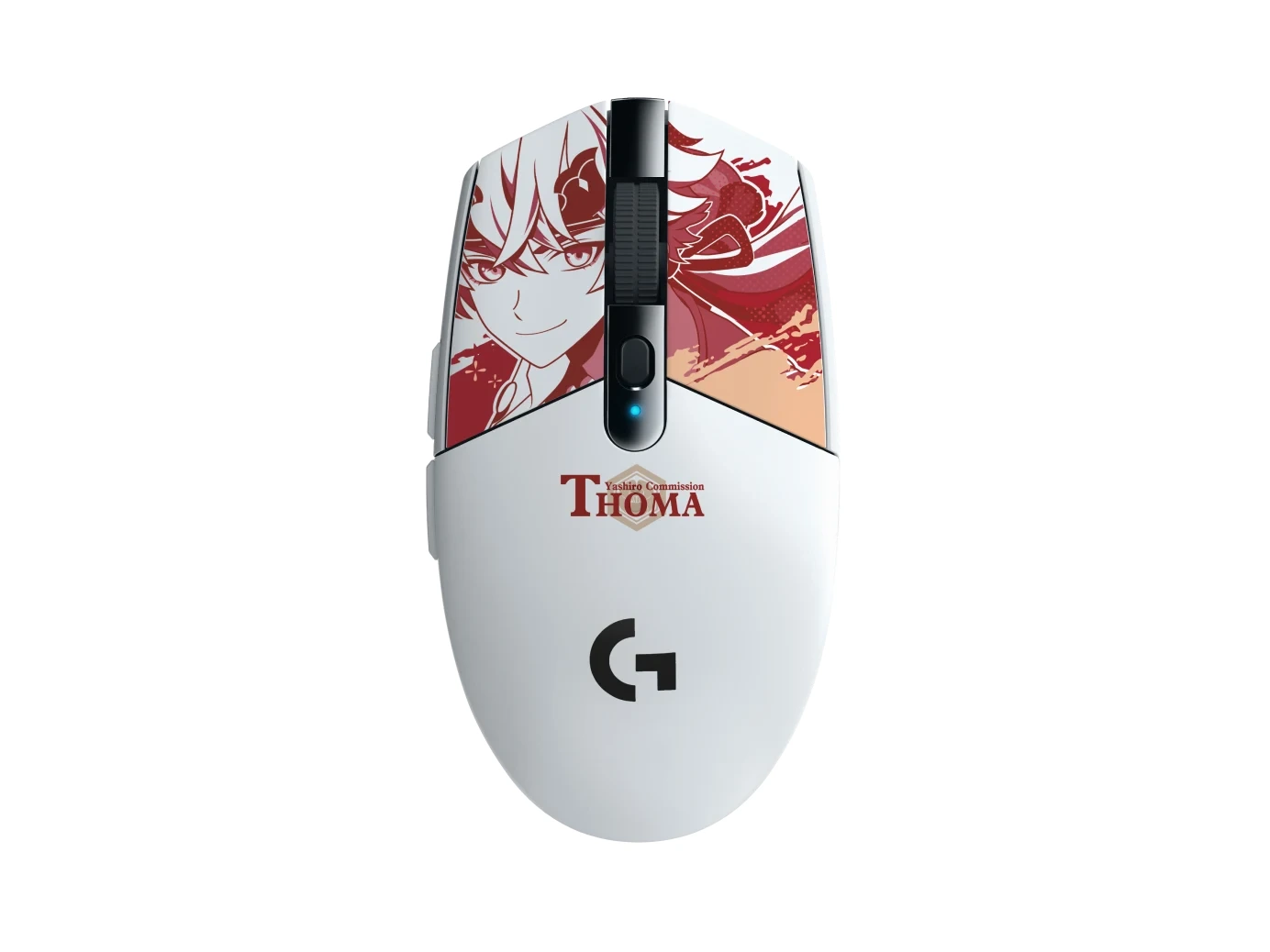
Logitech G305 Lightspeed product photograph

Logitech G305 Lightspeed — Best for Reliable budget lag-free wireless gaming

Lightspeed receiver; AA power

The G305 is an uncomplicated gaming option in a compact body that also travels neatly. Dependable wireless performance and replaceable battery power are the reasons we'd compare it. The battery adds weight beside newer ultralight designs, so decide whether simplicity matters more to you than trimming every gram.

Why we chose it: Fifth for compact gaming rather than office ergonomics.

Keep in mind: The battery makes it heavier than modern ultralight mice.

CHOOSING YOUR FIT

Start with the
way you’ll use it.

Think about weight, right- or left-hand fit and which controls you can reach comfortably. A vertical design changes the grip but isn't a promise of pain relief, while a gaming mouse may give up office conveniences to stay light and responsive.

We based these picks on product information and published reviews, not our own hands-on tests. The right choice depends on what you need.

How we choose and rank ↗

The five at a glance

RankProductBest fitKey features
01Logitech MX Master 3SErgonomic electromagnetic scroll productivityWireless; thumb wheel; quiet clicks
02Logitech LiftSmall-to-medium hand vertical ergonomic gripWireless; vertical body
03Razer DeathAdder V3Ultra-lightweight competitive gamingLightweight; high polling support
04Logitech M720 TriathlonMulti-computer multi-device work switchingThree-device switching; AA power
05Logitech G305 LightspeedReliable budget lag-free wireless gamingLightspeed receiver; AA power