Home / Cameras & creator gear / Webcams
THE BETTER THINGS SHORTLIST

Best webcams

Five options to compare, with the good points and drawbacks of each.

By Better Things Guide · Product research: October 5, 2026 · Writing updated October 27, 2026

Research-based reviews

A webcam upgrade is easier to choose when you know what's bothering you about the current picture. Maybe your desk lighting is difficult, you want more control, or you move around while presenting. Those are better reasons to buy than chasing 4K for a call that doesn't need it.

Affiliate disclosure: we may earn a commission from qualifying purchases through the Amazon links below. Read the disclosure.

01

4K HDR streaming with fine software exposure
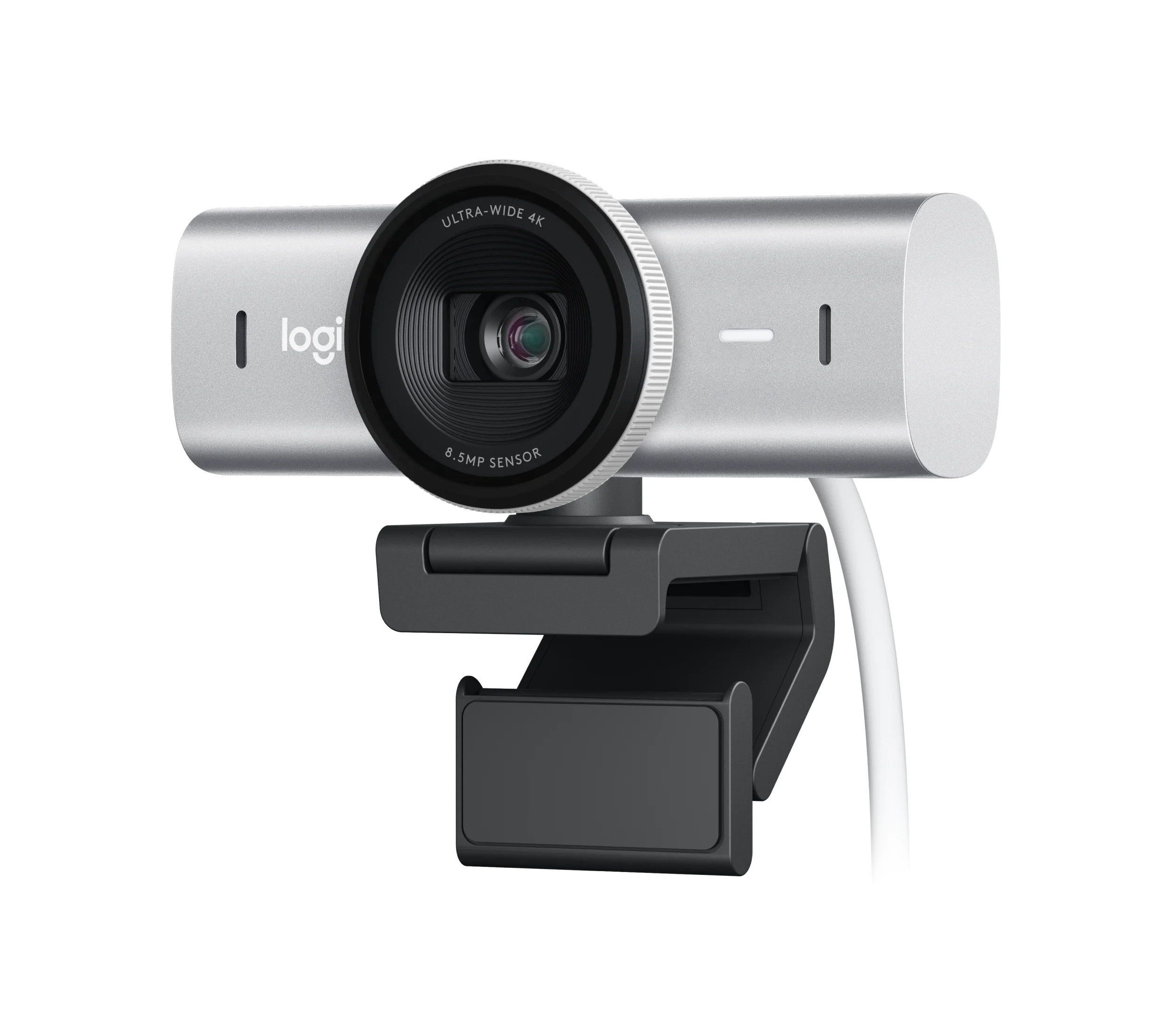
Logitech MX Brio product photograph

Logitech MX Brio — Best for 4K HDR streaming with fine software exposure

Logitech MX Brio; 4K

The MX Brio is worth considering when you want detailed footage and more image control than a basic laptop camera gives you. Its wide view and substantial mount suit a deliberate desk setup. We'd choose it for that extra flexibility, rather than assume its size and capability are necessary for routine calls.

Why we chose it: First for a versatile premium desk camera.

Keep in mind: Bulky and more capable than most calls require.
02

Reliable 1080p video calls with privacy cover

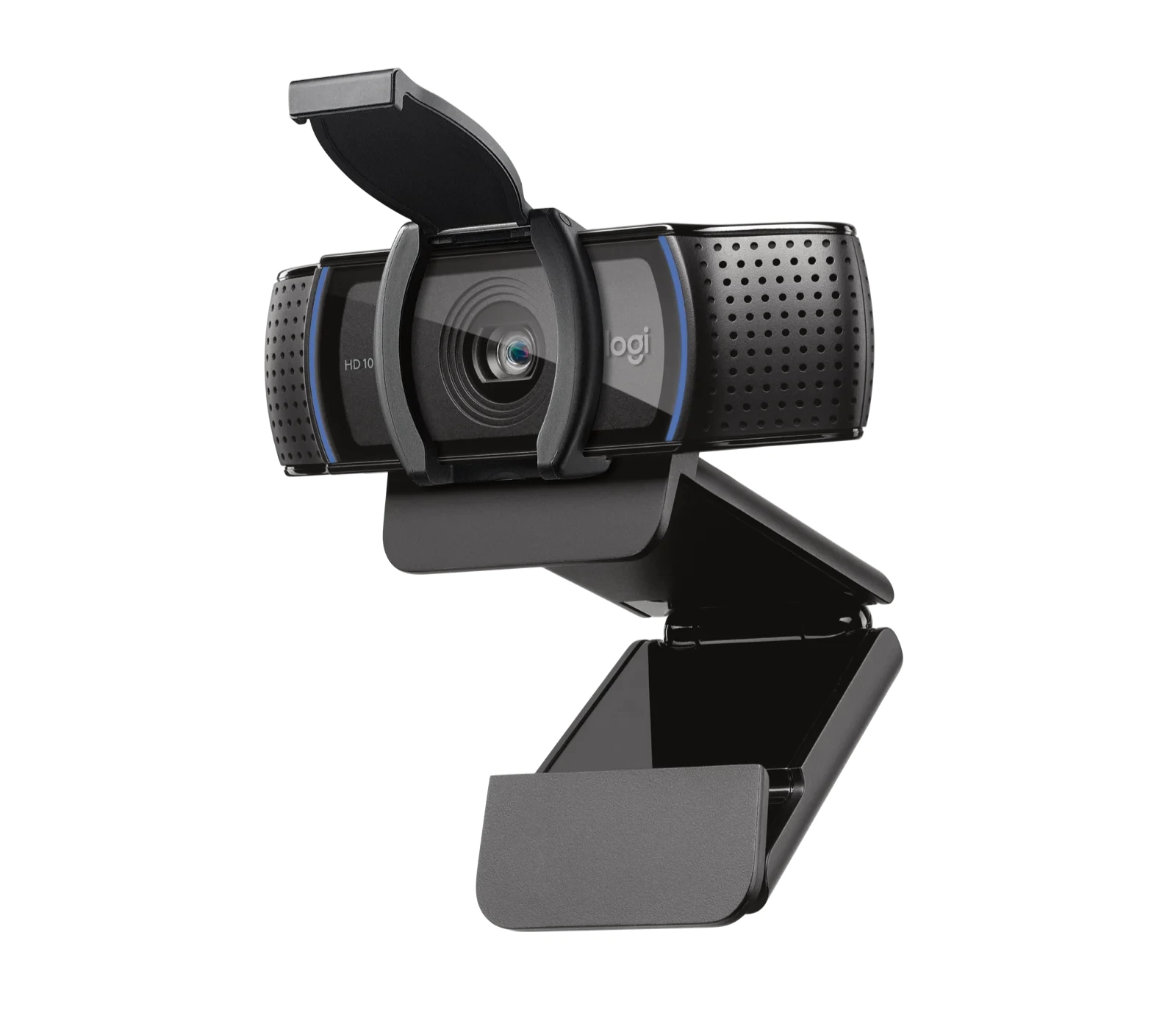
Logitech C920s product photograph

Logitech C920s — Best for Reliable 1080p video calls with privacy cover

1080p; autofocus; privacy shutter

The C920s remains a straightforward option for everyday video calls, with autofocus, a familiar mount and a physical privacy shutter. Published testing found useful image quality without a complicated feature list. It's an older model with a fixed field of view, so compare its current price with what you actually need.

Why we chose it: Second for useful essentials without unnecessary complexity.

Keep in mind: Fixed field of view and an aging model.

03

Uncompressed 1080p 60fps creator desktop video

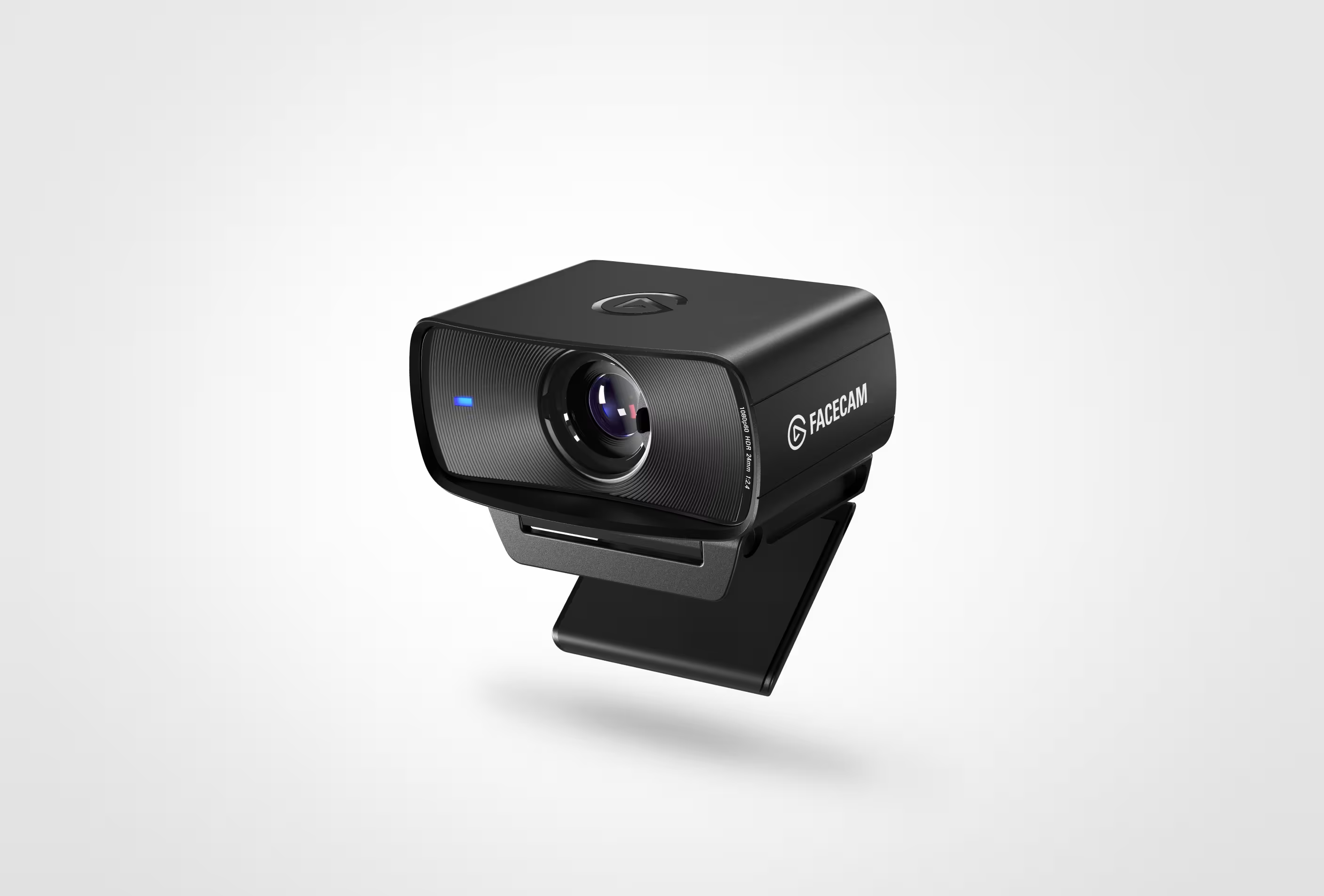
Elgato Facecam MK.2 product photograph

Elgato Facecam MK.2 — Best for Uncompressed 1080p 60fps creator desktop video

1080p at 60fps; Camera Hub controls

The Facecam MK.2 is aimed at a streaming desk where maintaining a consistent picture matters. Full HD at 60fps and hands-on software controls give you more to work with than a basic webcam. Plan separate audio, since it has no microphone, and check the trade between HDR and frame rate.

Why we chose it: Third for streamers willing to configure their setup.

Keep in mind: No microphone; HDR and frame-rate choices involve tradeoffs.

04

AI auto-tracking 4K motorized gimbal webcam

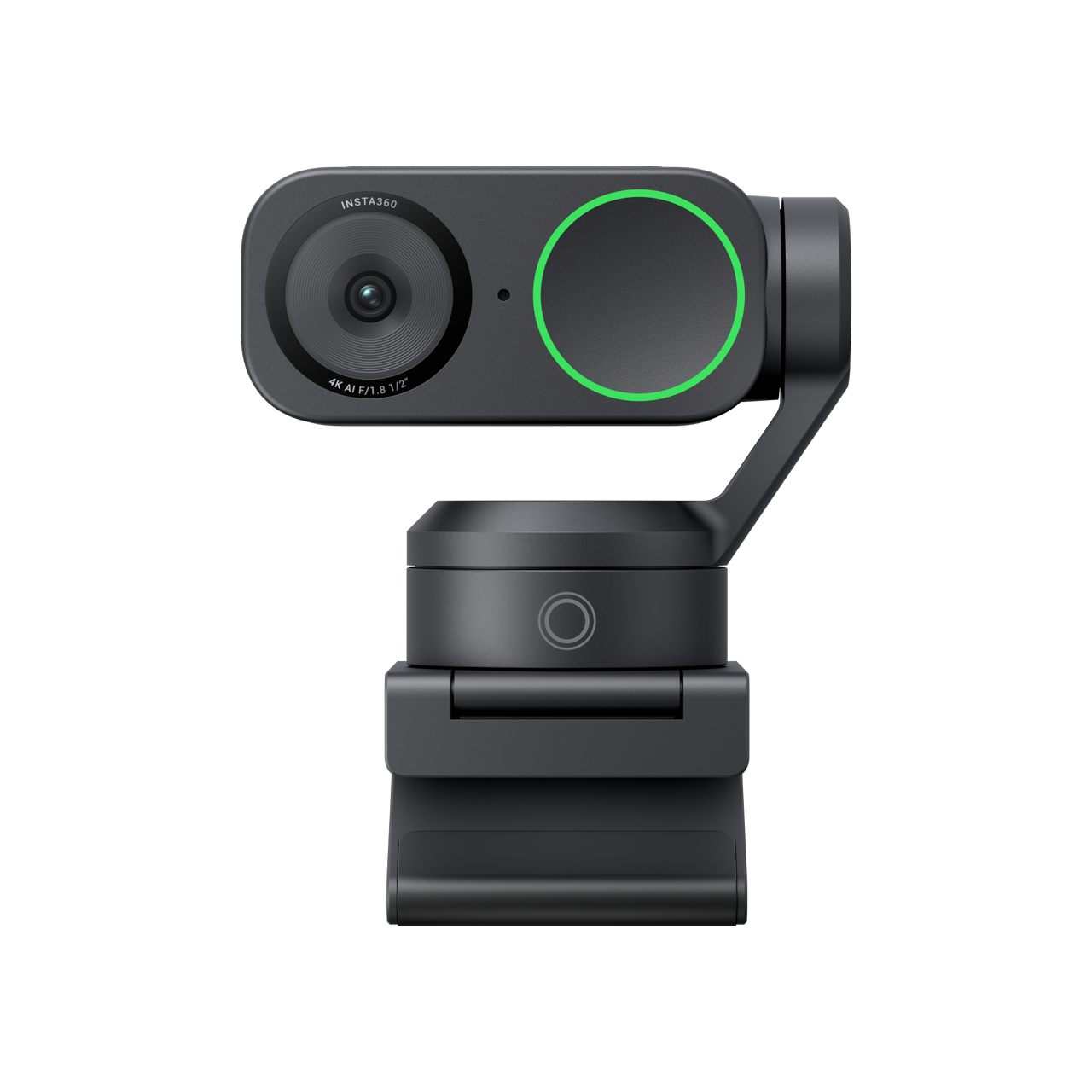
Insta360 Link 2 product photograph

Insta360 Link 2 — Best for AI auto-tracking 4K motorized gimbal webcam

4K; motorized tracking

The Link 2 is useful when staying in one chair isn't how you present. Its motorized tracking can follow you during demonstrations or teaching, making movement part of the reason to buy it. Check the computer requirements for those features before assuming every existing setup will handle them comfortably.

Why we chose it: Fourth because tracking is useful only for some workflows.

Keep in mind: Advanced features place demands on the computer.

05

Adaptive low-light sensor with HDR support

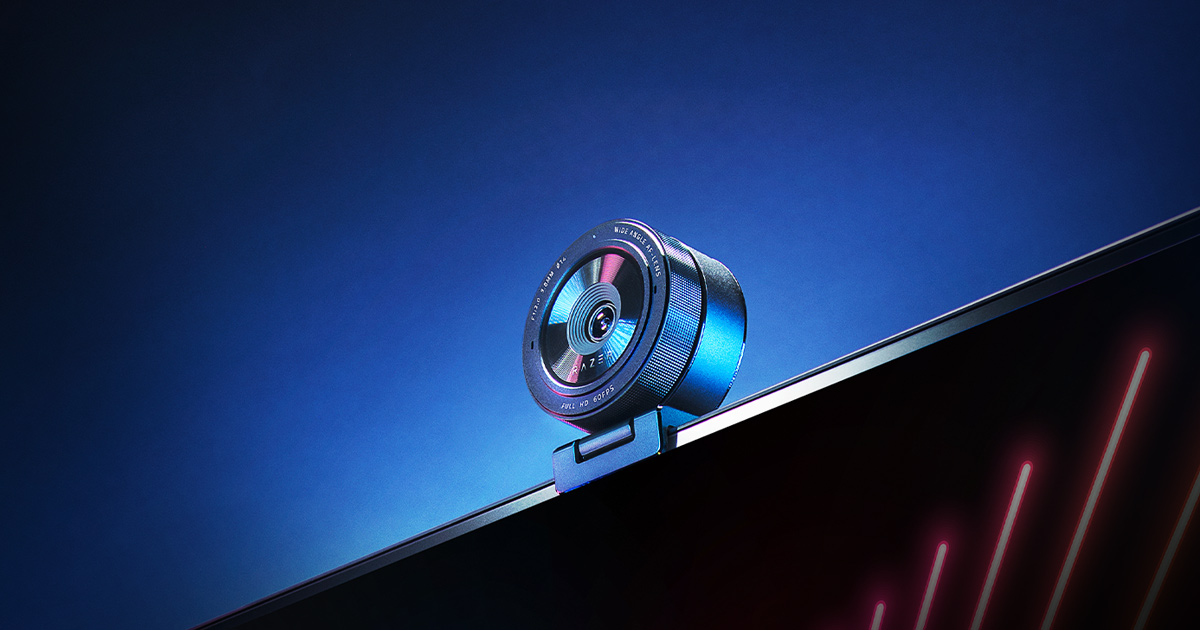
Razer Kiyo Pro product photograph

Razer Kiyo Pro — Best for Adaptive low-light sensor with HDR support

1080p at 60fps; HDR option

The Kiyo Pro is worth comparing for a Windows streaming setup that values smooth Full HD over a 4K headline. Its substantial lens-style body reflects that desk-focused approach. Check software compatibility on a Mac, and remember that choosing HDR reduces the available frame rate.

Why we chose it: Fifth for a more specific streaming configuration.

Keep in mind: Mac software support is limited; HDR reduces frame rate.

Exact Amazon listing not verified. Search results may include other models; check the product name before buying.

CHOOSING YOUR FIT

Start with the
way you’ll use it.

Consider the light at your desk, how the camera mounts and whether you need a separate microphone. Check the software on your computer too, since useful settings and tracking features can depend on support rather than the camera hardware alone.

We based these picks on product information and published reviews, not our own hands-on tests. The right choice depends on what you need.

How we choose and rank ↗

The five at a glance

RankProductBest fitKey features
01Logitech MX Brio4K HDR streaming with fine software exposureLogitech MX Brio; 4K
02Logitech C920sReliable 1080p video calls with privacy cover1080p; autofocus; privacy shutter
03Elgato Facecam MK.2Uncompressed 1080p 60fps creator desktop video1080p at 60fps; Camera Hub controls
04Insta360 Link 2AI auto-tracking 4K motorized gimbal webcam4K; motorized tracking
05Razer Kiyo ProAdaptive low-light sensor with HDR support1080p at 60fps; HDR option